How to Compare Package Sizes, Ingredients, and Unit Costs at Dollar Stores
A practical, step-by-step guide for comparing package sizes, reading ingredient lists, and calculating unit cost so you can make smarter grocery choices at dollar stores.
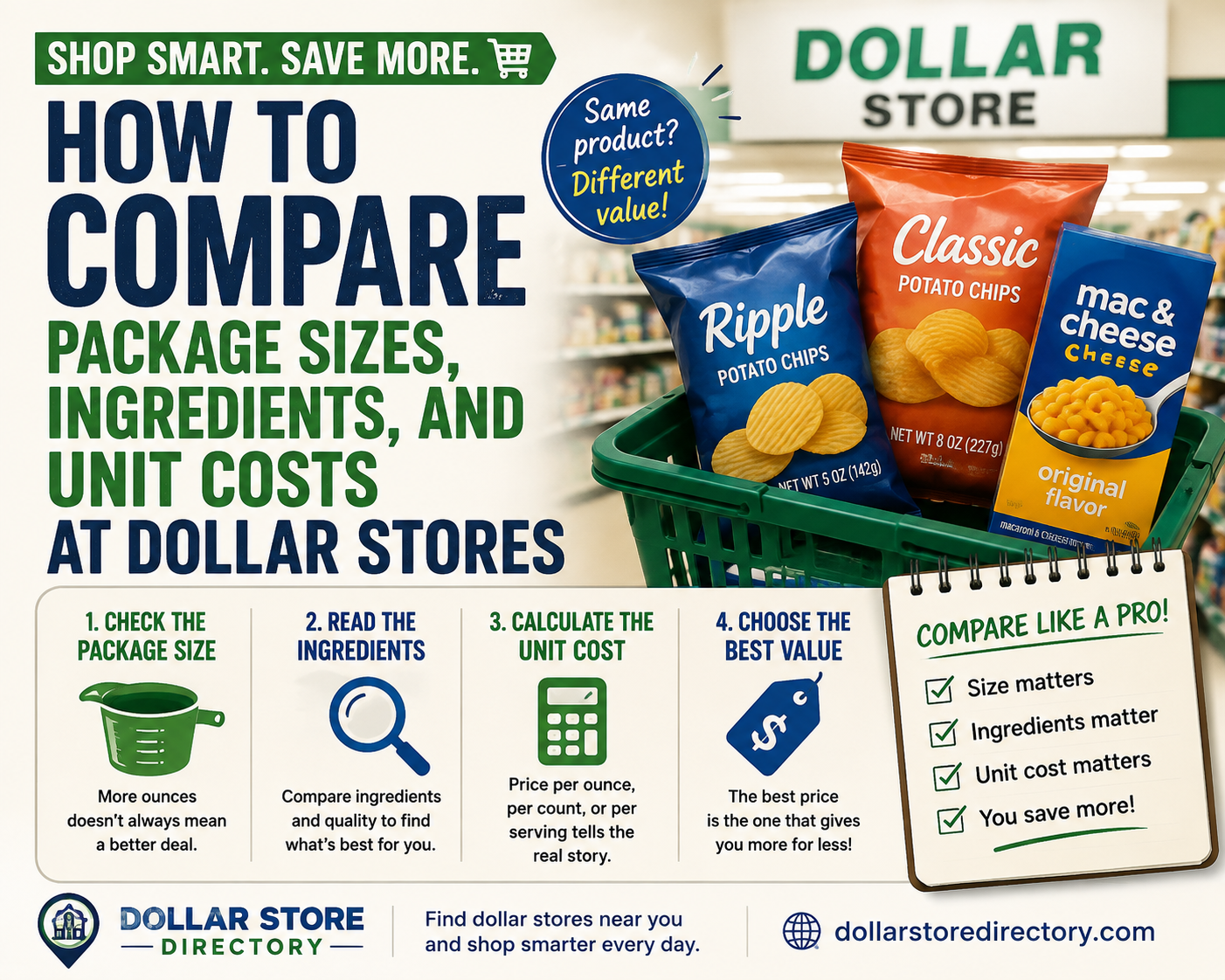
Why comparing sizes, ingredients, and unit cost matters at dollar stores
Dollar stores can be a convenient grocery option, but product packaging and labeling vary a lot. A larger-looking bag or a bright package doesn’t always mean better value or a healthier product. Focusing on three things—exact package size, the ingredient list, and the unit cost—helps you separate appearance from actual value and nutrition.
Get the basics right: what to look for on the package
- Net weight or volume: Look for “net wt” (ounces or grams) or liquid volume (milliliters or fluid ounces). These are the numbers you need to compare quantities.
- Servings vs. package: Nutrition facts often list values per serving. Check how many servings are in the package to understand total sugar, sodium, or calories you’re buying.
- Count-based items: For eggs, rolls, or snack packs, use the item count printed on the box or bag.
- Ingredient order: Ingredients are listed by weight. The first few ingredients indicate the product’s primary components (for example, sugar appears first if it’s the main ingredient).
Step 1 — Convert everything to a common unit
To compare packages you must speak the same units. Pick one unit to use for the shopping trip—grams for solids, milliliters for liquids, or ounces if you prefer U.S. customary units. For countable goods, compare price per item.
- If a package lists ounces and you prefer grams: 1 ounce ≈ 28.35 grams. (You don’t need to memorize this—use your phone calculator.)
- For liquids: 1 fluid ounce ≈ 29.57 milliliters.
- For mixed or unusual packaging (e.g., “net wt 8 oz (226 g)”): use the explicit gram value if given. If only ounces are given, convert as above.
Practical conversion workflow
- Find the net weight/volume on the package.
- Decide your base unit (g, mL, or item count).
- Convert any values that aren’t in your base unit using a calculator or a quick mental conversion.
Step 2 — Read the ingredient list and nutrition facts efficiently
Ingredient lists and nutrition labels offer clues you can use in a quick scan. You don’t need to be a nutritionist—just know what to prioritize.
- First three ingredients matter most: If sugar, flour, or highly processed oils appear first, that tells you what the product is mainly made of.
- Added sugars and salts: Look at the nutrition facts for per-serving sugar and sodium values, then multiply by the number of servings to estimate total sugar or salt in the package.
- Short ingredient lists often mean simpler products: Fewer ingredients can be better for items like canned beans, tomatoes, or plain rice. Longer lists with many additives may indicate more processing.
- Allergens and special ingredients: If you need to avoid specific ingredients (nuts, dairy, gluten), use the allergen statement and the full ingredient list.
Step 3 — Calculate unit cost without guessing prices in your head
Unit cost is the price per gram, milliliter, or item. Instead of memorized dollar amounts, use a simple formula and keep your calculator or phone handy. Use letters for the formula while you shop so you don’t need to invent sample prices in your head.
Unit price = Total price ÷ Quantity (weight, volume, or count)
unit_price = P ÷ Q
- P is the shelf price you see at checkout (enter it on your phone calculator).
- Q is the quantity in your chosen unit (grams, milliliters, or count).
For example, if you choose grams as your base unit, compute price per gram by dividing the product price by the number of grams on the package. Compare that unit price to other options for the same product.
Compare equal products, not marketing
Compare the same product type—same flavor and similar ingredients—when using unit price. A different formulation (e.g., sweetened vs. unsweetened) will change both ingredients and unit value, so treat them separately.
In-store tips to speed decisions
- Measure visually and double-check: If two packages look similar but use different units (ounces vs. grams), convert one to match the other before comparing.
- Use a small set of rules: Decide ahead whether you prefer lower sugar, fewer additives, or cost-first. Apply the same rule consistently to choices.
- Look for bottled or canned items with simple labels: Items with “water, salt, beans” are often easier to compare than heavily processed snacks with long additive lists.
- Note per-serving values if you plan to eat the whole package: Multiply per-serving nutrition by the number of servings to avoid underestimating intake of sugar or sodium.
- Carry a small notebook or use notes on your phone: If you’re comparing three or four options, jot the unit prices and key ingredients so you don’t forget after walking the aisle.
A short checklist to use in the store
- Find net weight/volume or item count.
- Convert to your base unit (g, mL, items).
- Scan the ingredient list for the first three ingredients and added sugars/salt.
- Calculate unit price using the formula above.
- Compare only similar product types and serving sizes.
- Decide using your preset priorities (cost, simplicity of ingredients, or nutrition).
Where to go next for practice and strategy
If you want a deeper step-by-step walkthrough of unit-price calculations or broader shopping habits that help a budget stretch, these resources on DollarStoreDirectory can be useful:
- How to Calculate Unit Price and Compare Value at Dollar Stores and Other Retailers
- Everyday Habits to Set a Budget and Compare Smart Shopping Alternatives
- Independent Dollar Stores — if you prefer to check local independent options, this directory page can help you explore nearby stores.
Comparing sizes, ingredients, and unit costs takes a little practice, but the same simple steps will make most grocery decisions faster and more reliable. Choose a consistent unit, read the first few ingredients, use the unit-price formula, and apply a short checklist while you shop. Over time you’ll recognize when a package is a real value and when the package is just good marketing.